For hotels & hospitals Live in a 4-star property today

The room TV that works as hard as your best staff

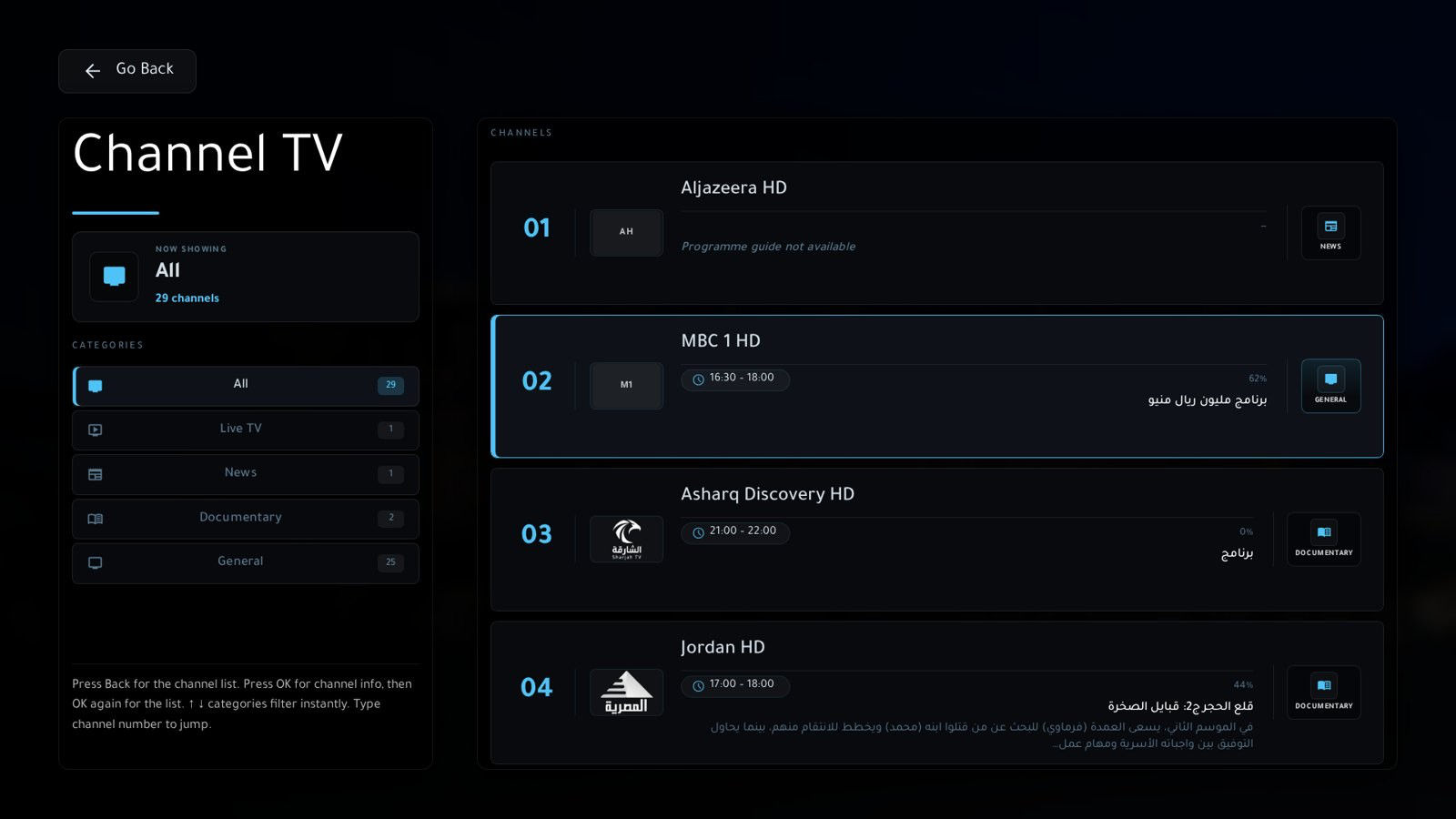
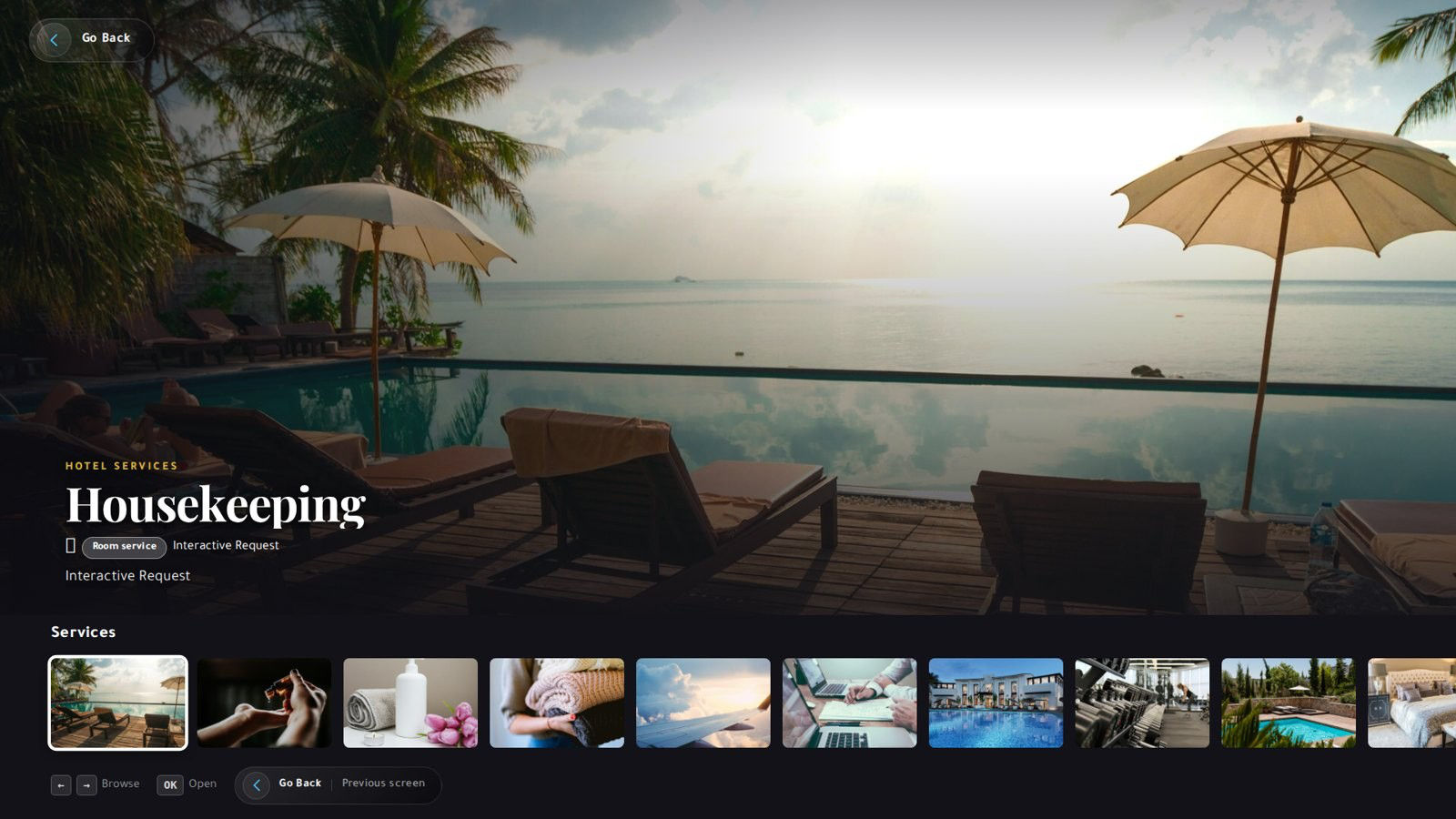
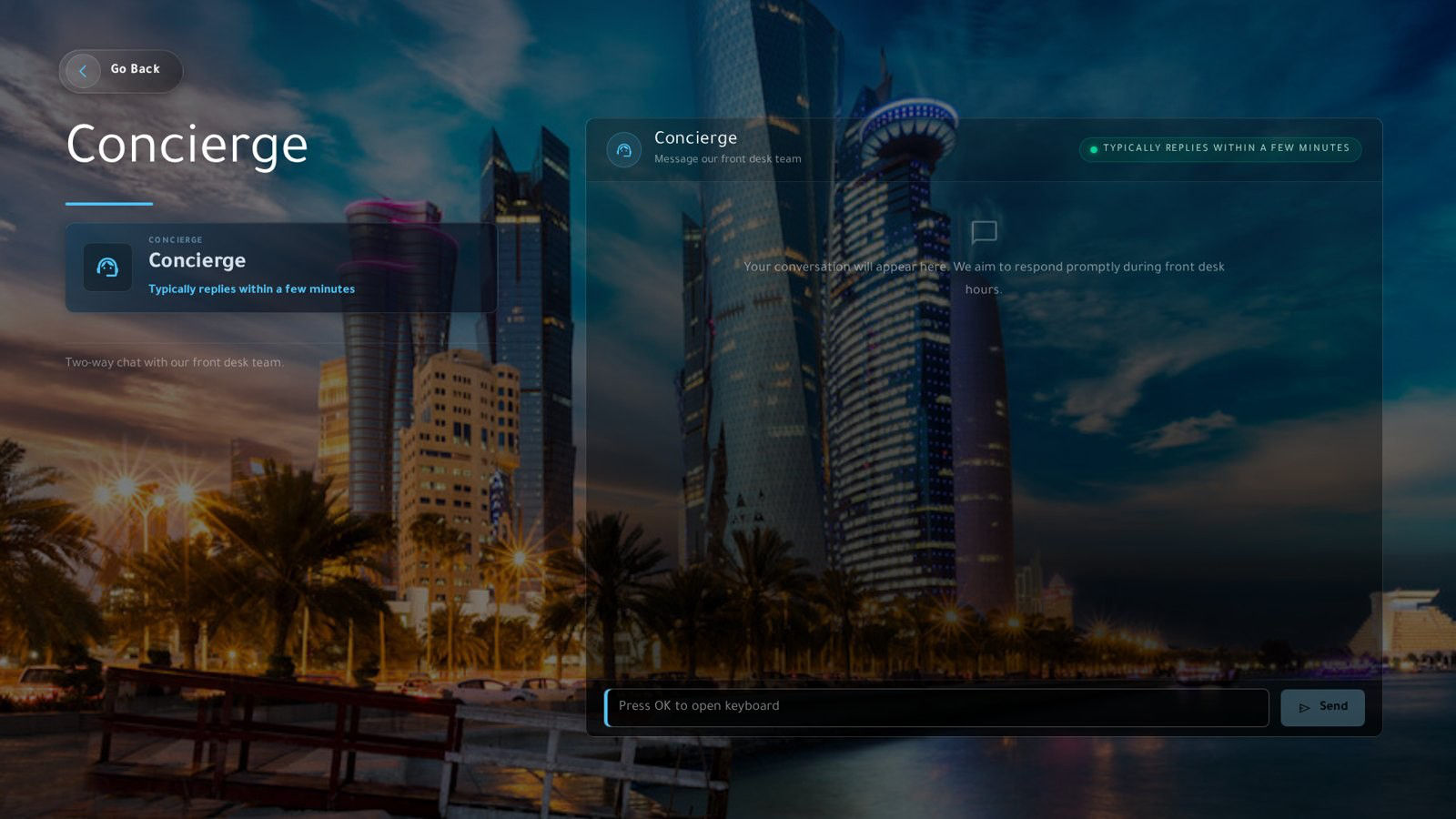
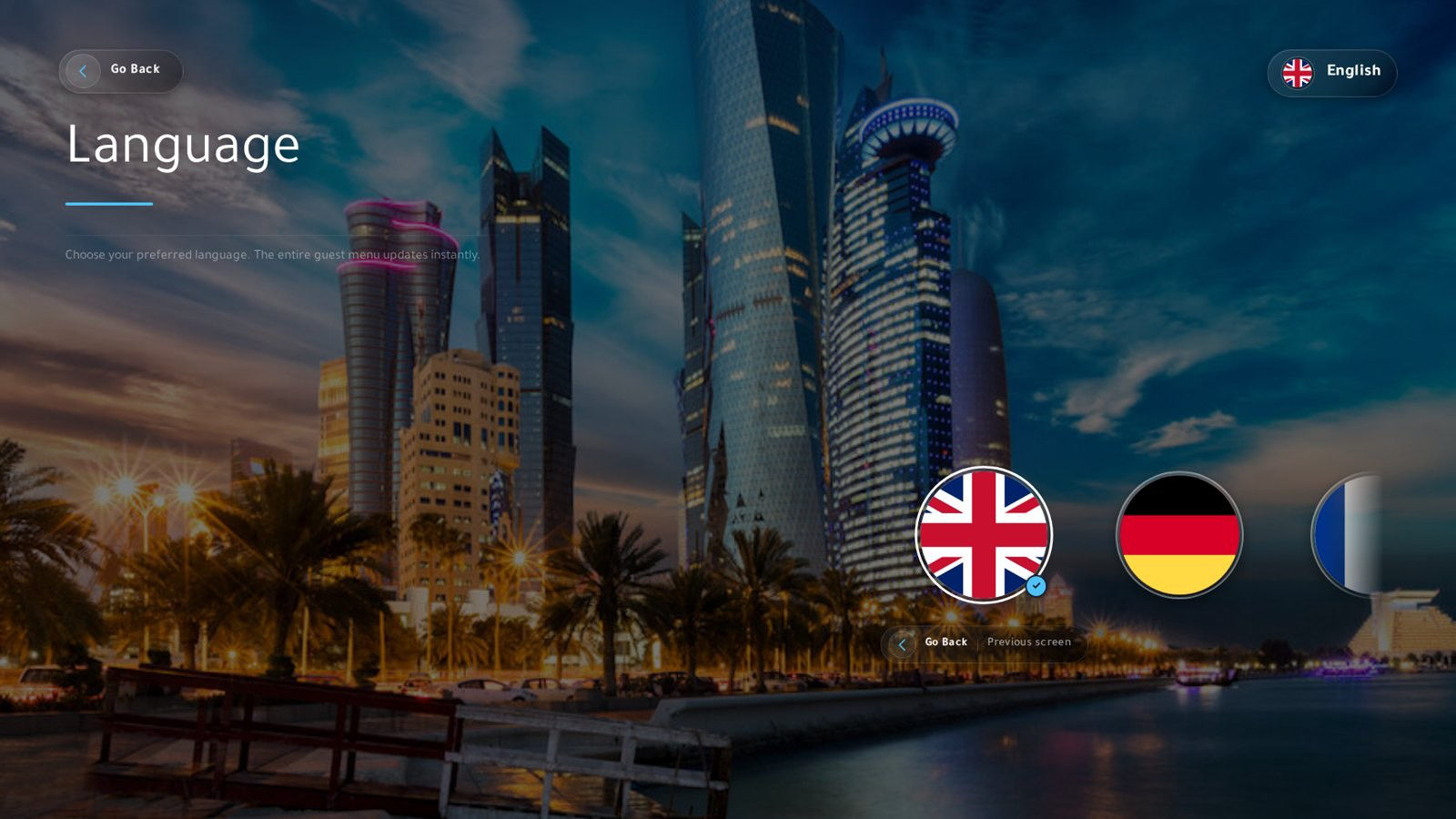
Live TV, guest services, dining, concierge chat and full device control in one platform — on the TVs you already own.
No forced hardware swap21 TV platformsSelf-healing by design
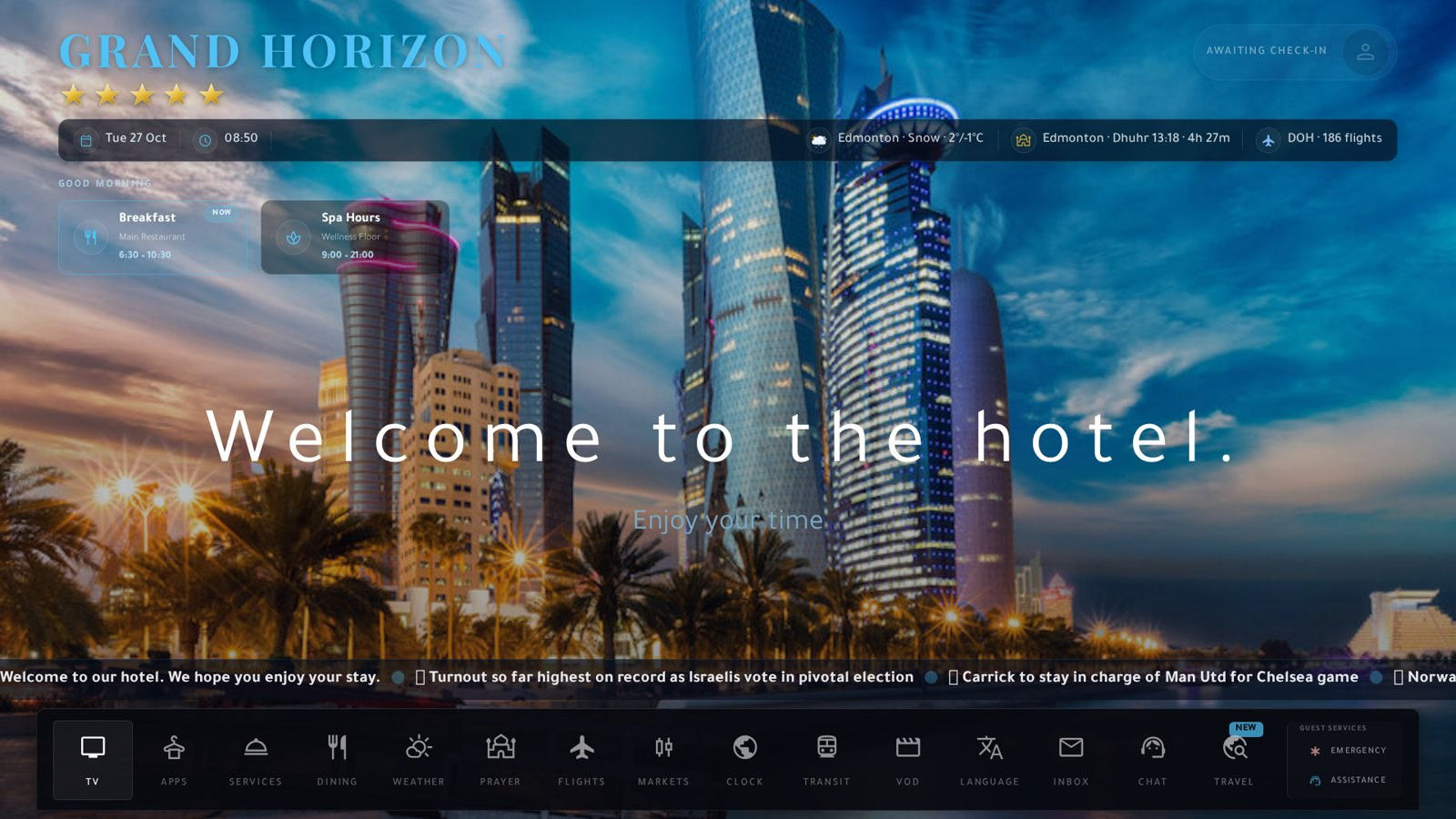
Hotel TV guest home screen showing a personal welcome, live weather and service shortcuts
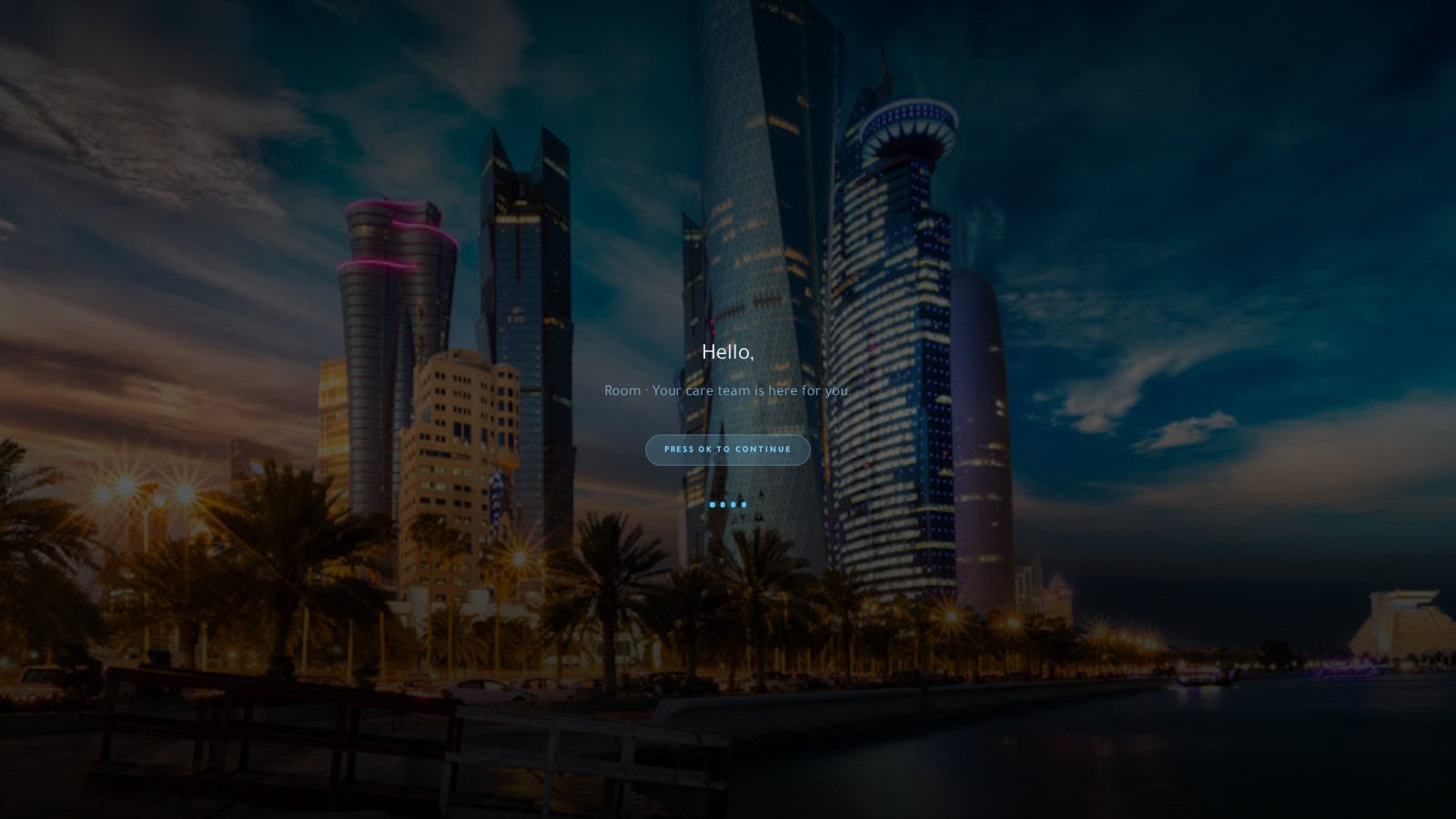
Guest checked inRoom 412 · screen personalised
Live TV reconnectedAuto-recovered in 5 sec

Already running at full scale in a live 4-star property

163Live channels
125Movies on demand
21TV platforms supported
60Remote-control API actions
The problem

Your most-watched screen does almost nothing

Every room has a TV. Most of them are just channel lists — while your team handles the same calls all day.

Phones never stop

Guests call reception for towels, Wi-Fi codes, checkout times and directions.

Services stay invisible

Spa, dining and tonight's events never reach the guest at the right moment.

Content goes stale

Channel lists, menus and notices wait for a technician to change them.

Every fault is a visit

A frozen TV becomes a ticket, a walk upstairs and an unhappy guest.

The guest experience

Five-star service, from the sofa

Everything works with the remote in their hand. No phone call, no app download, no typing.
Live information

Useful information that keeps guests in the room

Live widgets that update themselves — so guests stop asking reception.
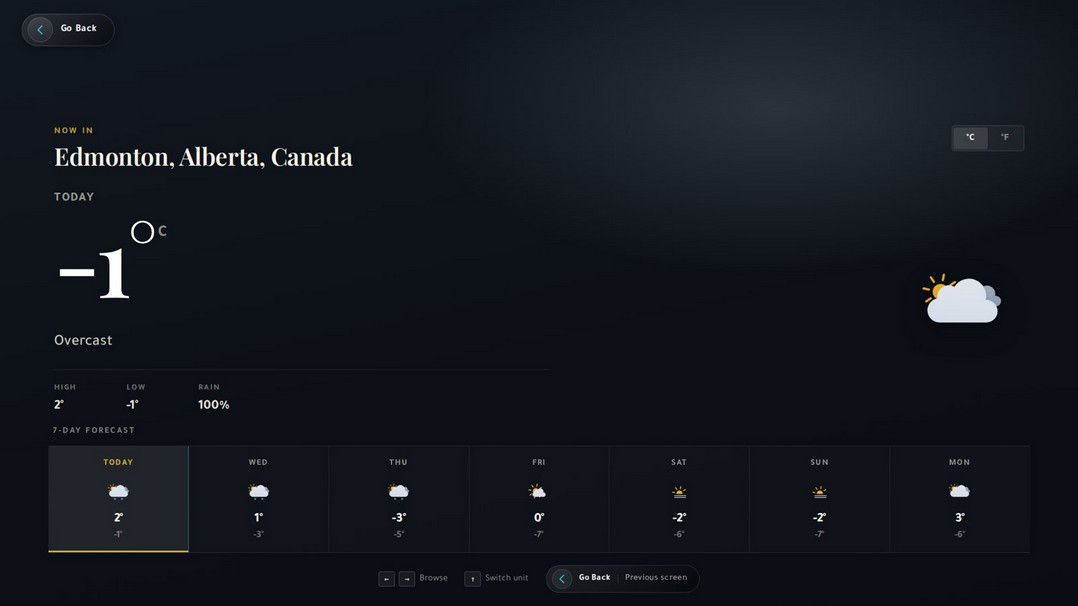
  • 7-day weather and world clocks
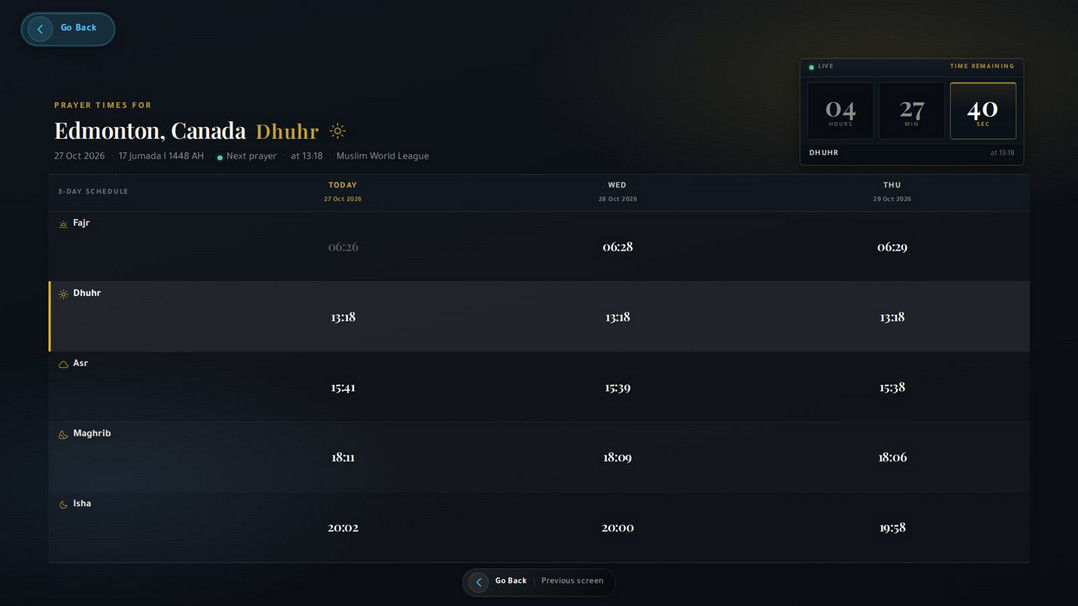
  • Prayer times with countdown
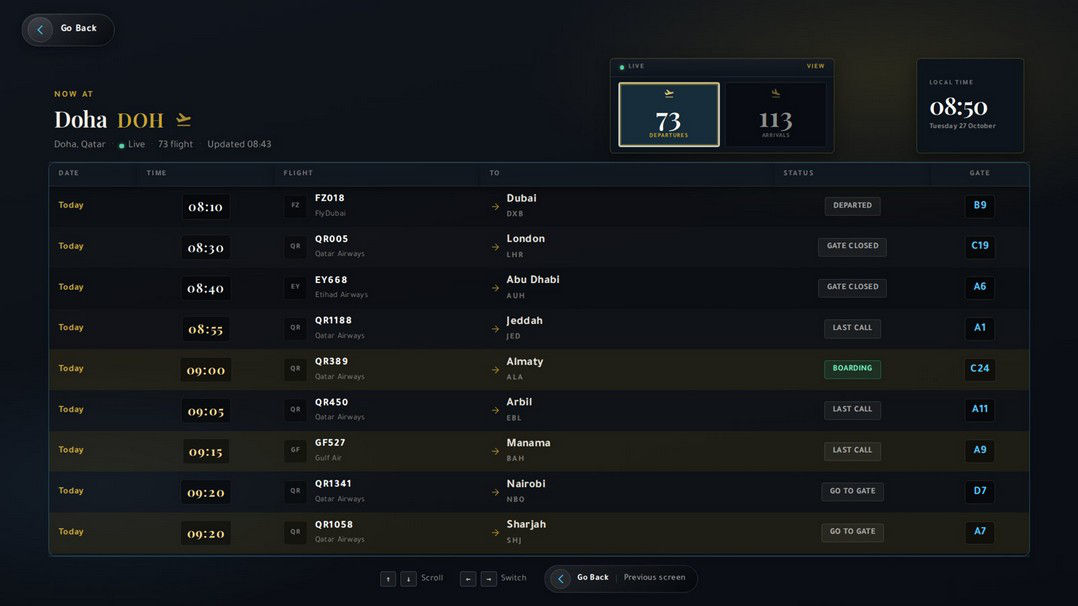
  • Live airport flight board
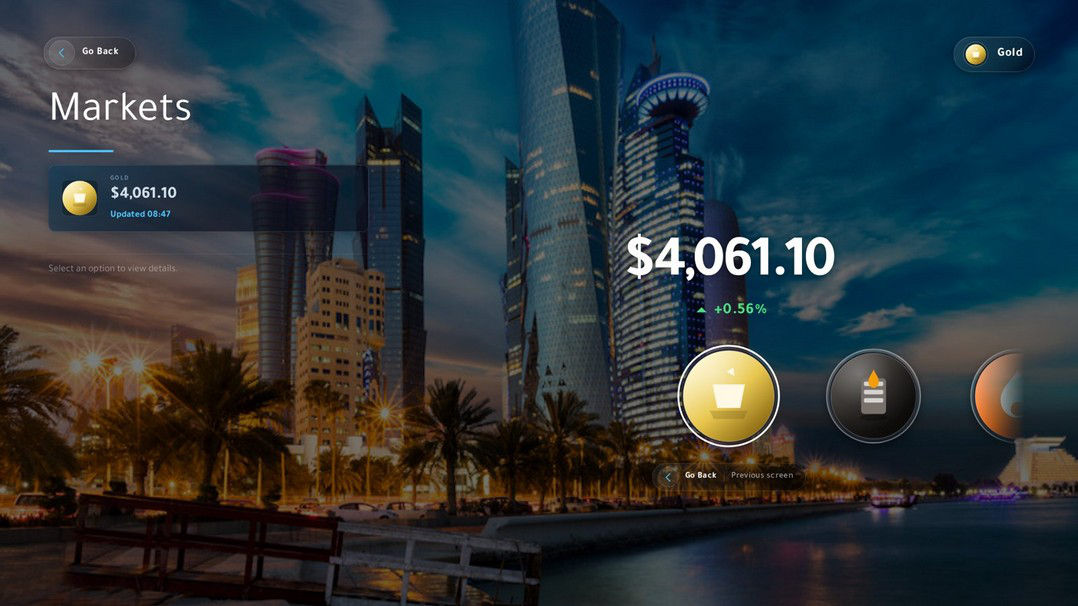
  • Markets, gold and oil prices
  • Transit, local guide, taxi and Wi-Fi scan-to-join QR codes
7-day weather screen
7-day weather
Prayer times screen with countdown
Prayer times
Live airport flight board
Flight board
Markets, gold and oil prices
Markets
See it in action

Watch headend.tv running on a real TV

For your team

One console for every room

Channels, rooms, messages, menus and system health in a single secure web app.
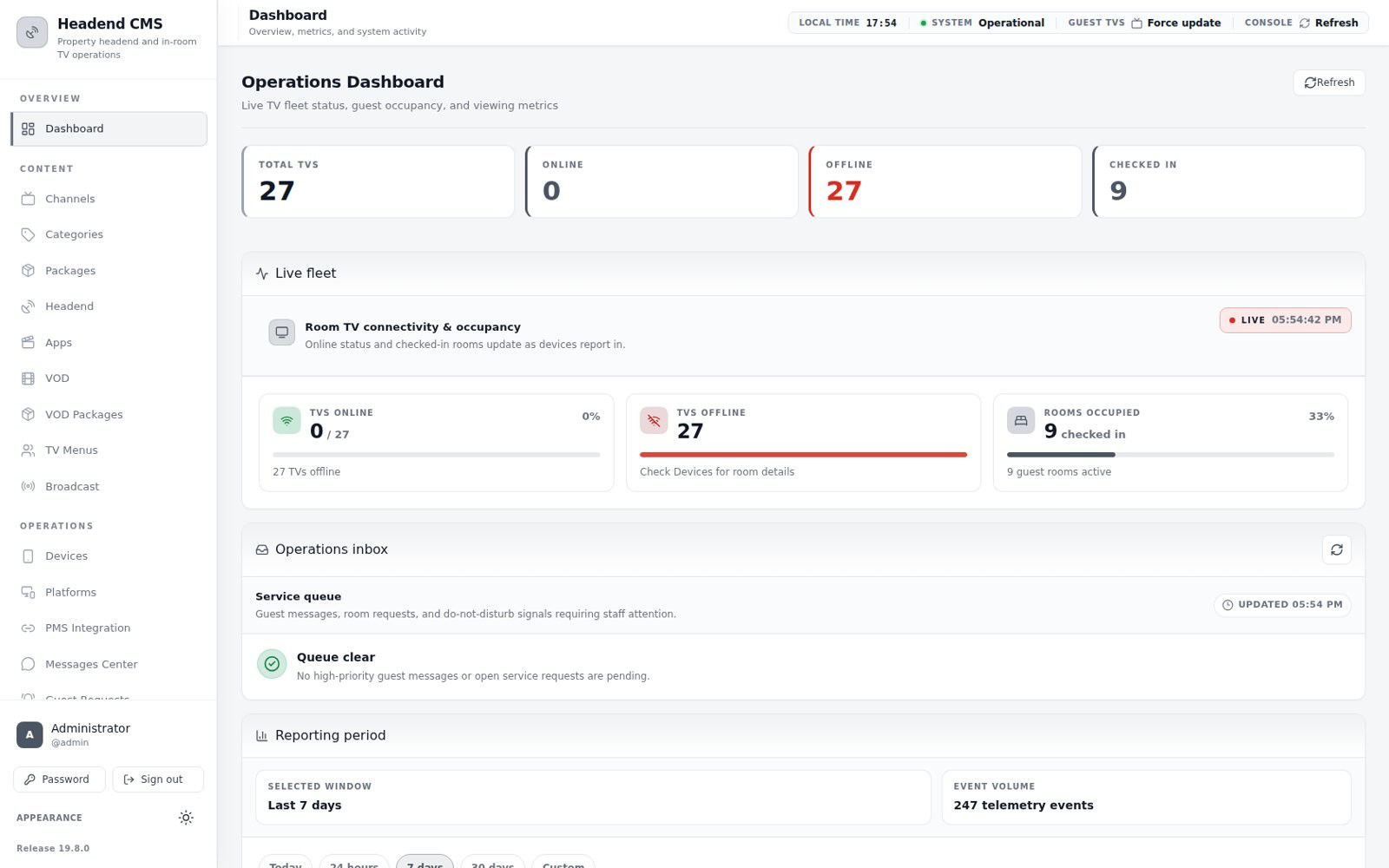
See every room and every request at a glance

  • Live fleet view: TVs online and offline, rooms occupied, check-ins.
  • Guest messages and service requests in one operations inbox.
  • Top channels and apps by day, week and month.
  • Push an update to every TV with one click.
Operations dashboard
Operations dashboard with TVs online, occupancy and live alerts

Manage the whole TV fleet without leaving the desk

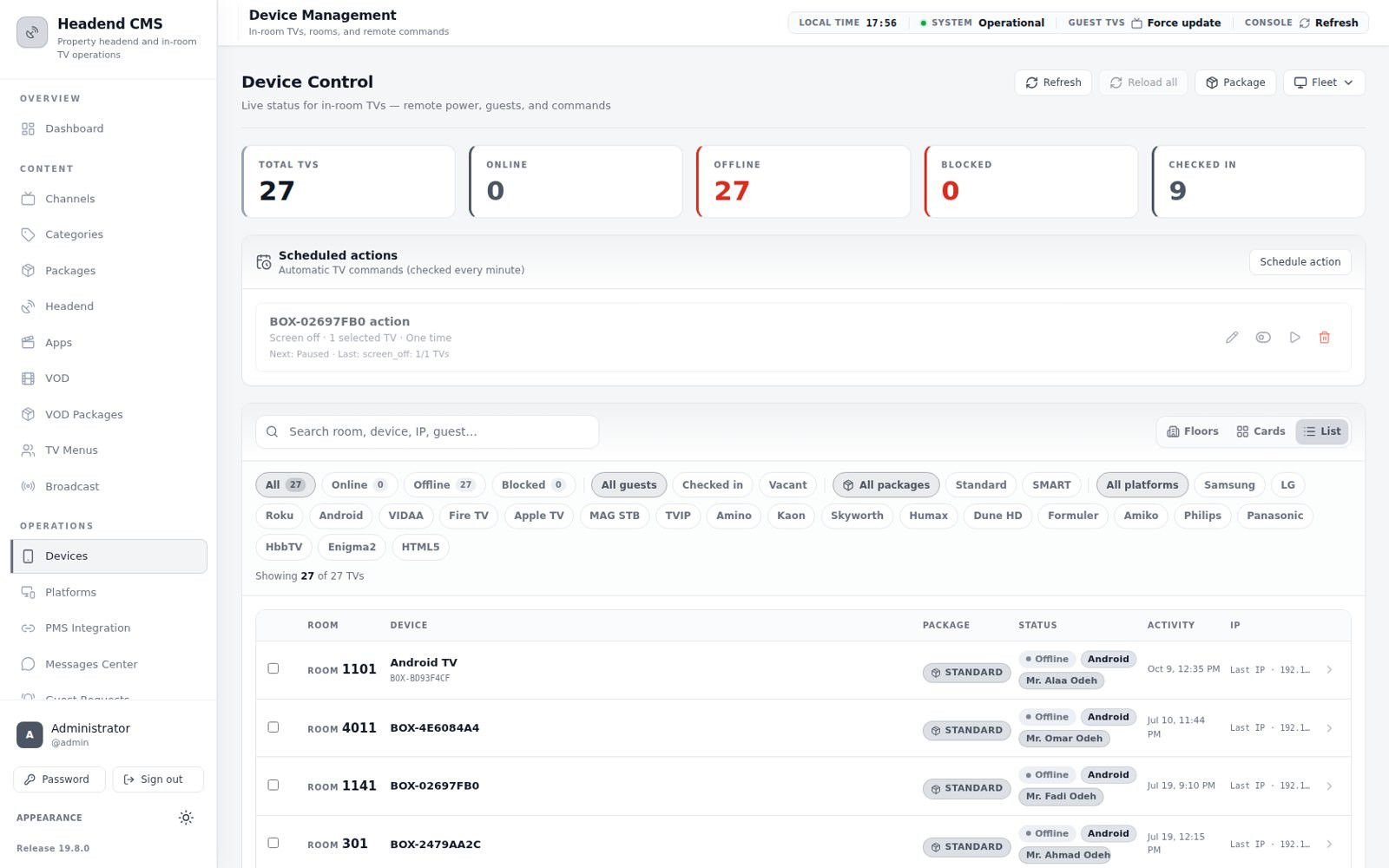
  • Floor view, cards or list — filter by status, occupancy or TV brand.
  • Bulk power, reload and channel package changes.
  • Schedule screens off at night to save energy.
  • Remote screenshot, volume and app install on any online TV.
Device control
Device control list of TVs by room with status

Talk to every room at once

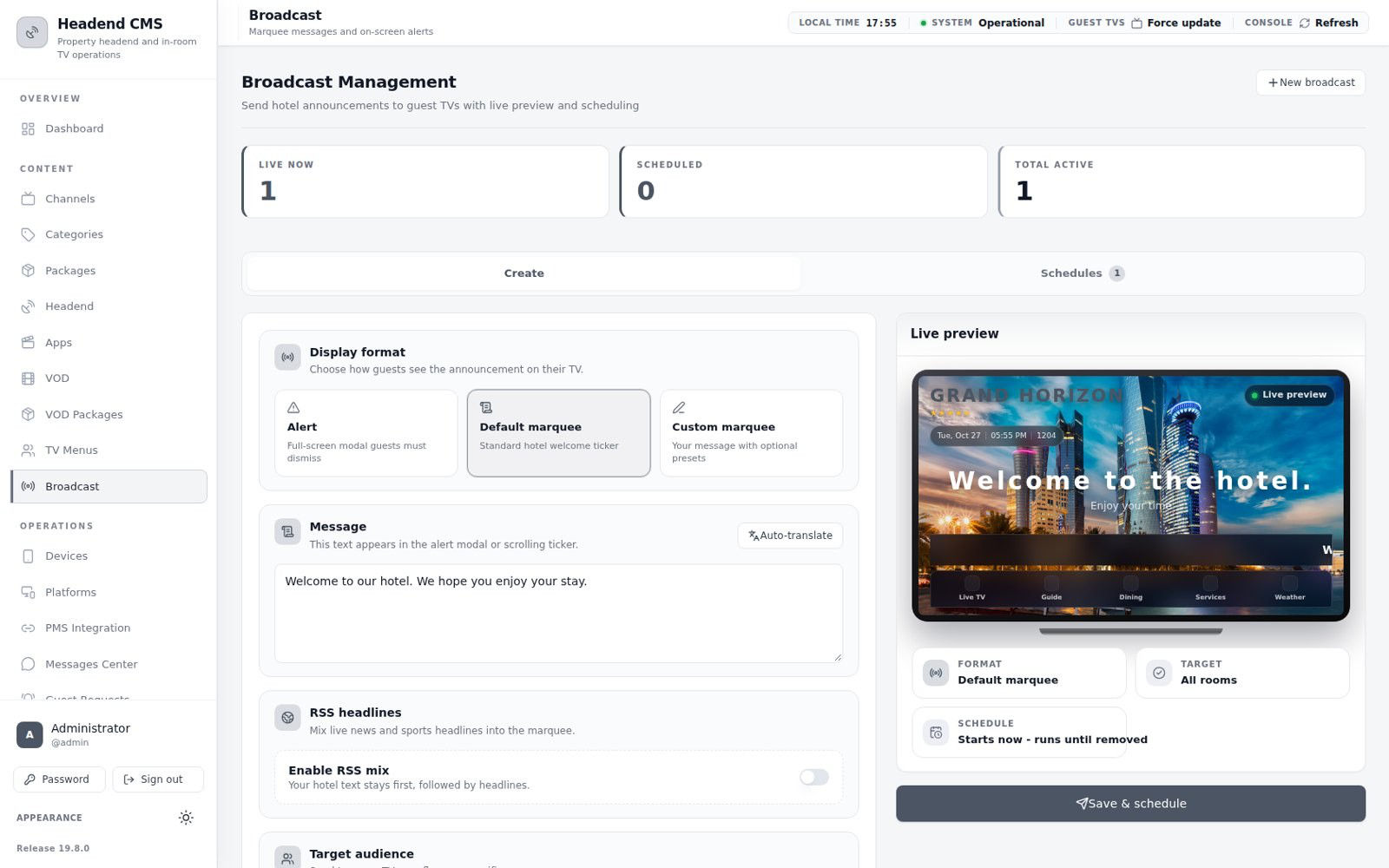
  • Scrolling ticker or a full-screen alert guests must acknowledge.
  • Target every room or a chosen group, with a live preview.
  • Automatic translation into the guest's language.
  • Send now or schedule for later.
Broadcast
Broadcast management with live TV preview

Package content the way you sell rooms

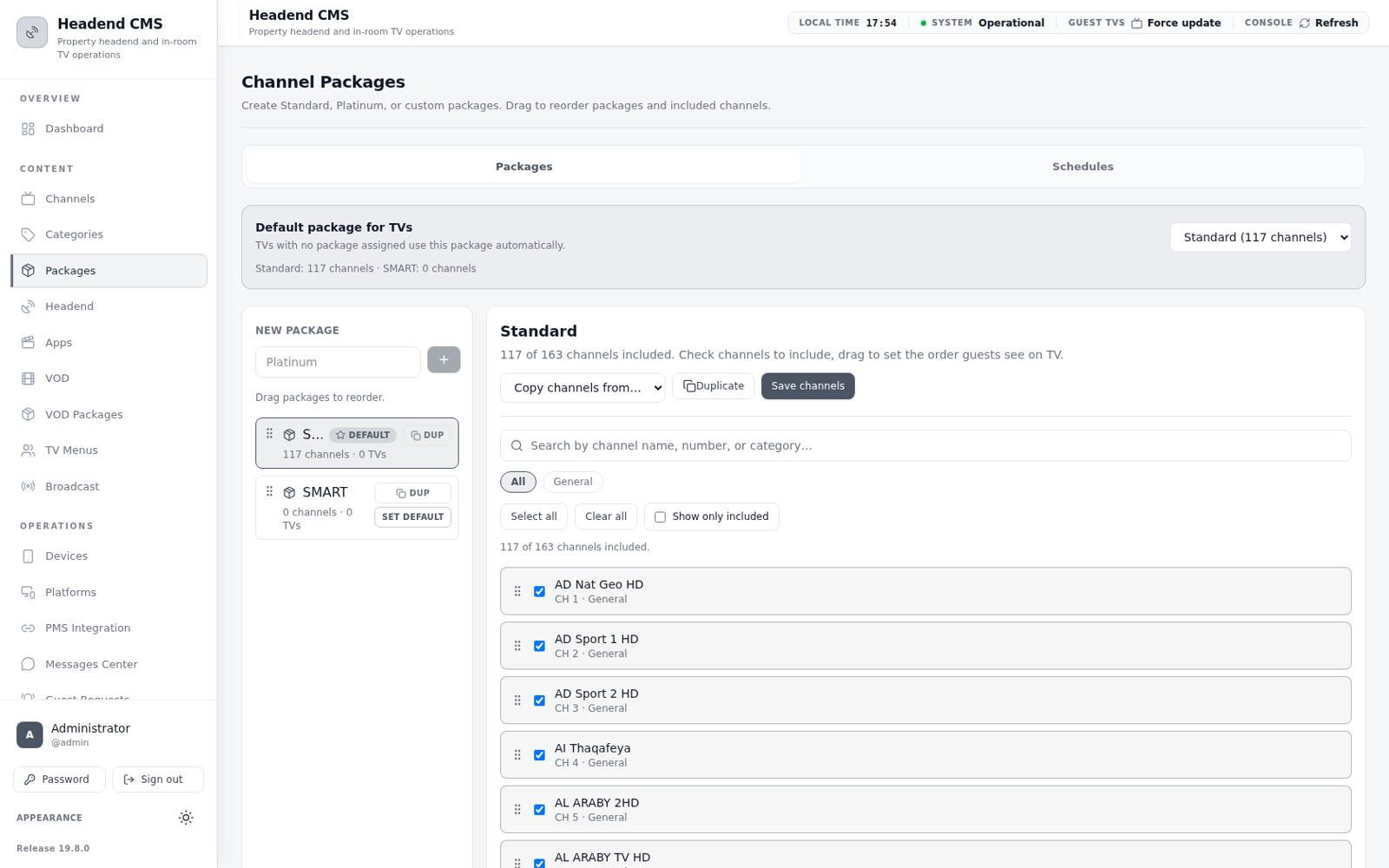
  • Standard, Platinum or your own bouquets per room or floor.
  • Swap packages on a schedule for events or Ramadan.
  • Add films with posters, cast and plot in seconds.
Channel packages
Channel package editor
Integrations

Plugs into the systems you already run

Property managementOracle OPERA via FIAS or webhooks — check-in, bill view, checkout from the TV
Room automationBACnet/IP lights, dimmers, HVAC, curtains and scenes
Open control API60 remote actions for middleware, apps or an AI assistant
Staff alertsTelegram and WhatsApp alerts, plus one-time login codes
Network monitoringSNMP for your existing monitoring tools
Backup & restoreNightly automatic backup; restore onto a new machine in one step
Compatibility

Works on the TVs you already own

21 TV platforms out of the box. Point the TV at the portal or install the native app — it registers itself in the console.

  • Samsung
  • LG
  • Panasonic
  • Toshiba
  • Android TV
  • Amazon Fire TV
  • Apple TV
  • Roku

Plus hospitality set-top boxes including MAG, Enigma2, VIDAA and more — ask about your model.

Logos are trademarks of their respective owners and indicate compatibility only.

Reliability

It fixes itself before guests notice

Fewer engineer visits. Fewer complaints. Lower support cost.

5 secLive TV reconnects automatically after any freeze or network blip
5 minWatchdog checks and restarts services on its own
23Health checks with one-click recovery from the console
NightlyAutomatic backup, portable to a new server
Deployment

From signed to live in four moves

Install

One command on a standard Ubuntu or Debian server brings up the portal, console and live TV together.

Connect TVs

Point each TV at the portal or install the app. Every set registers itself to its room.

Brand and fill

Add your logo, welcome screen, channels, services, dining and local guide.

Go live

Connect the PMS, train the team, and run everything from the dashboard.

The difference

What changes on day one

Today
With headend.tv
Guests call reception for routine requests
Requests arrive in the console with the room number
Notices are printed and placed in rooms
One broadcast reaches every TV in seconds
Channel changes need a technician
Edit the line-up from any browser
A frozen TV means a site visit
TVs reconnect and recover remotely
Services live in a brochure nobody reads
Services are promoted on every screen, every night
FAQ

Questions, answered

Can't find what you need? Talk to our team.

Do we need to replace our TVs?

No. headend.tv supports 21 TV platforms out of the box, including LG webOS and Pro:Centric, Samsung Tizen, Android TV, Fire TV, Apple TV and VIDAA. Point the TV at the portal or install the native app.

Which PMS do you integrate with?

Oracle OPERA via FIAS, plus webhooks for other systems. Guests see their name, bill and can check out from the TV.

Does it work for hospitals?

Yes. Switch the venue to Hospital and menus, wording and catalogues change with it — including nurse-call style assistance, patient meal menus and ward messaging.

What hardware does the server need?

A standard Ubuntu or Debian server. One command installs the guest portal, operator console and live TV headend together.

What happens when a TV freezes?

Live TV reconnects automatically within about 5 seconds, a watchdog restarts services every 5 minutes if needed, and 23 health checks can be recovered from the console with one click.

Can guests use Netflix or YouTube?

Yes — Netflix, YouTube, Prime Video and Disney+ launch from the home screen. You choose which apps appear and in what order.

See it running in your own rooms

A live demo on your own TVs. We bring the platform, you bring one room.